 Dayswish
Count down in your own style
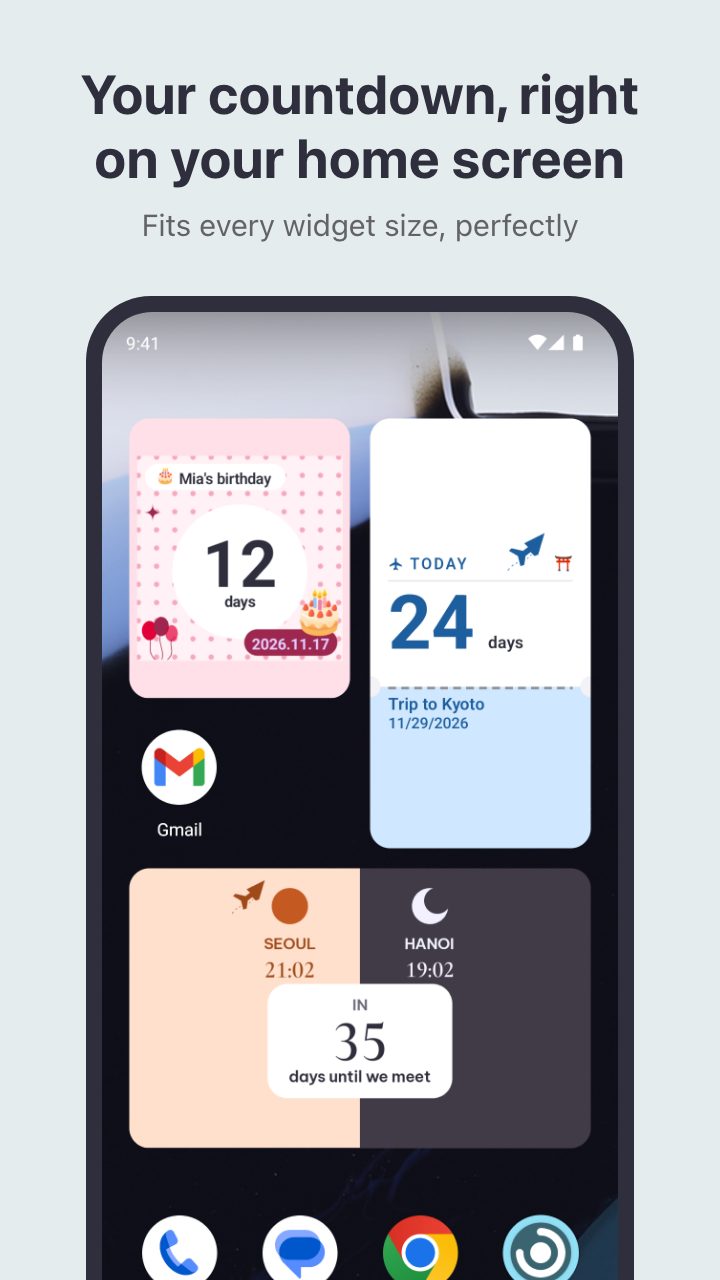
Put the days you are waiting for on your home screen, in a design made for the moment.
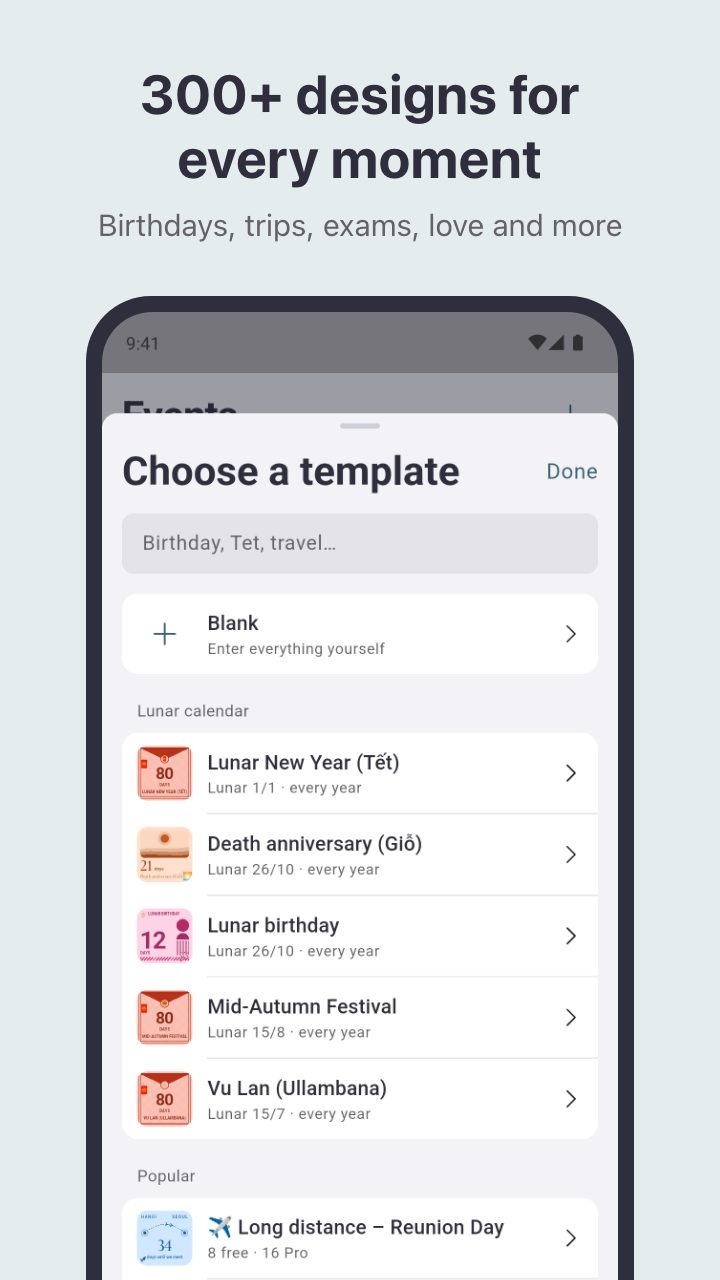
300+ designs for every moment
Birthdays, trips, exams, weddings, long-distance love and 25 more occasions, each with its own layout.
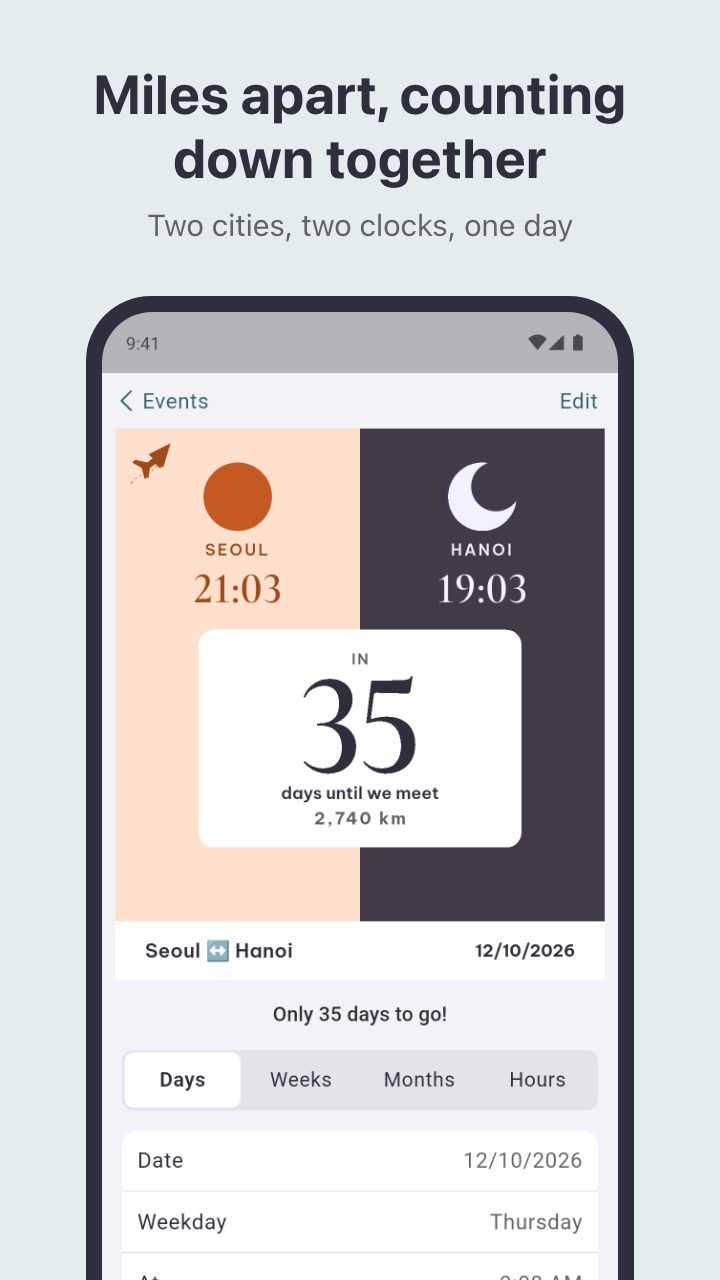
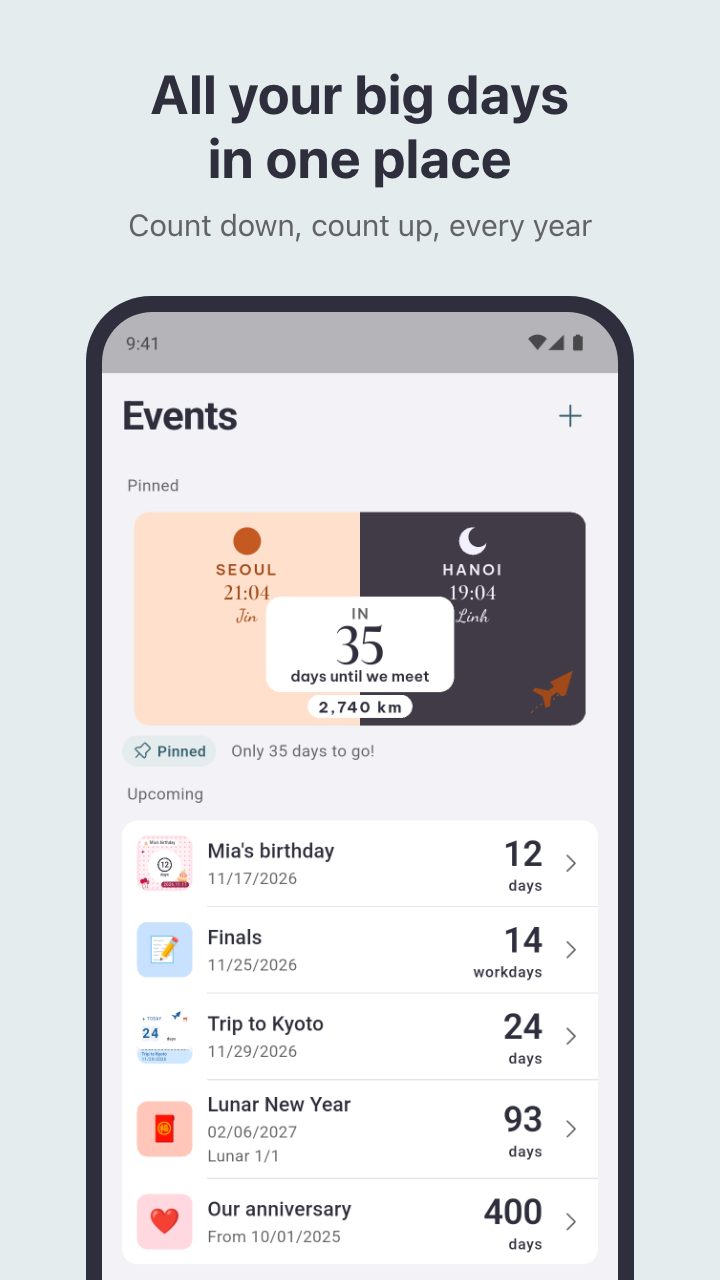
Miles apart, counting together
Two cities, two clocks and the distance between you, counting down to the day you meet.
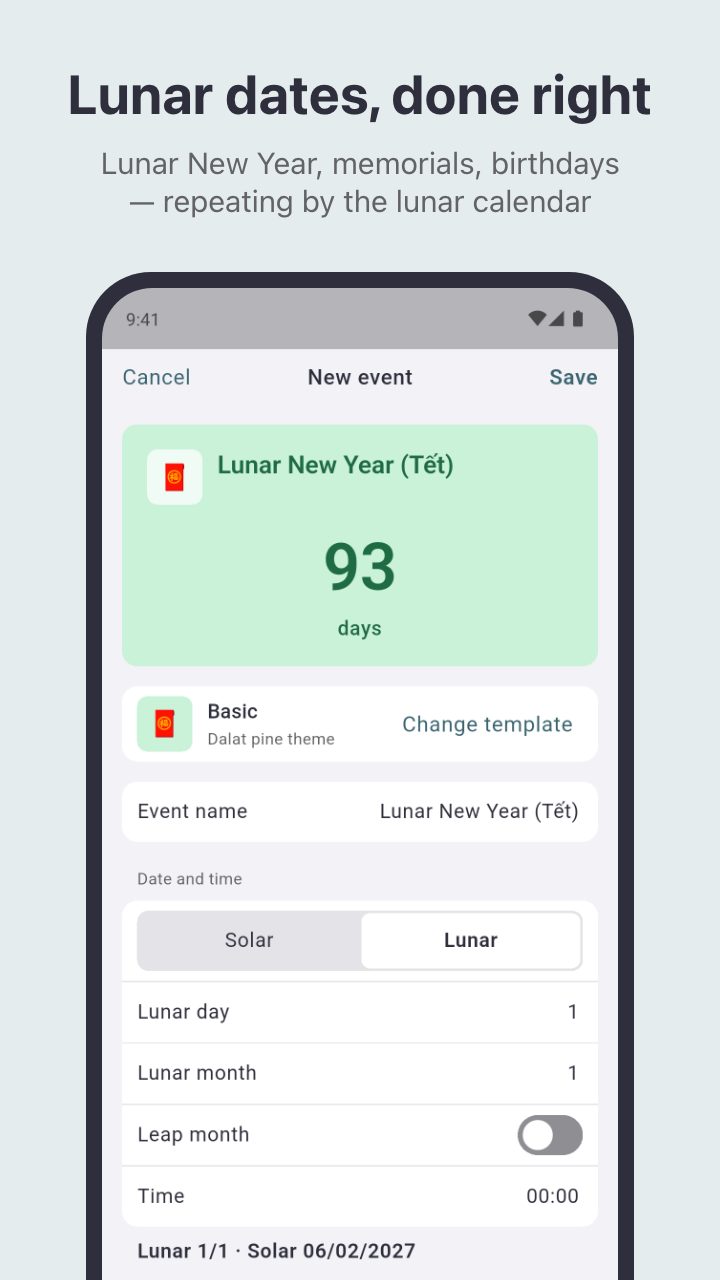
Lunar dates, done right
Enter a lunar date once. Lunar New Year, memorials and birthdays repeat by the lunar calendar every year.
All your big days in one place
Count down to a date, count up from one, or repeat every year. Reminders arrive on the day or before.
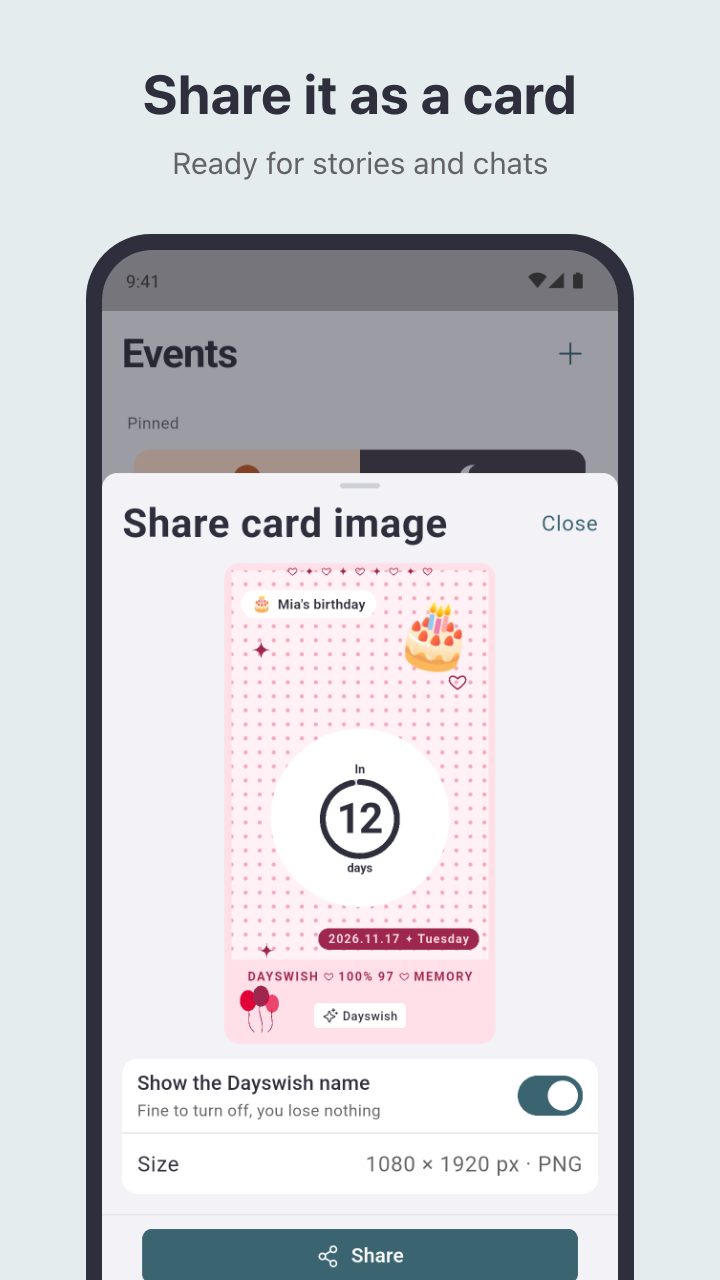
Share it as a card
Turn any countdown into an image for stories and chats, in one tap.
- Is Dayswish free?
- Yes. The free version has ads and plenty of templates. A one-time Pro purchase removes all ads and unlocks every premium design.
- Do I need an account?
- No. There is no sign-up. Your events stay on your phone and the app works offline.
- How do I add a widget?
- Open the Widget tab and tap Add to home screen, or long-press your home screen, tap Widgets and choose Dayswish.
- Does it support the lunar calendar?
- Yes. Pick a lunar date and the event repeats on that lunar date every year, with the solar date shown beside it.
- Which languages does it speak?
- English, Vietnamese, Korean and Japanese. It follows your phone language, and you can change it in Settings.
- Is it on iPhone?
- Not yet. Dayswish is on Android first.